
Three.js and AR.js Repository
A collection of basic examples of Augmented Reality using the three.gs library. Advanced three.js examples are also included.
Examples sourced from Lee Stemkoski
Viewing the AR examples requires the following markers:
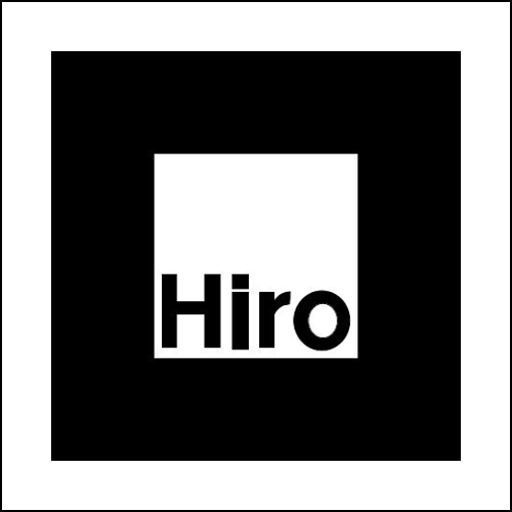
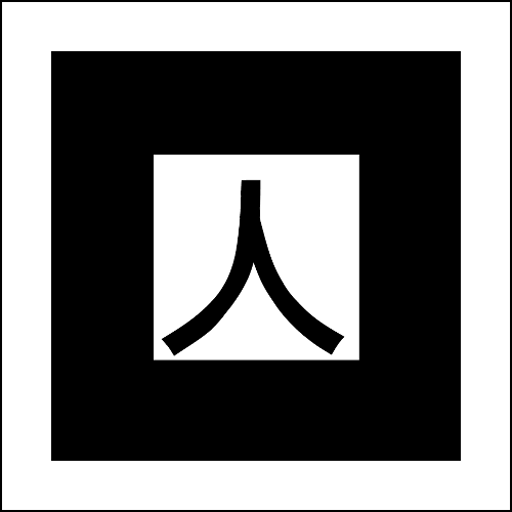





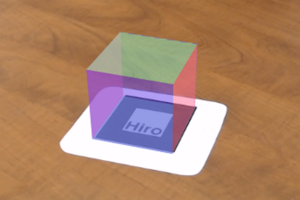
Basic Cube
Cube on a Hiro marker.
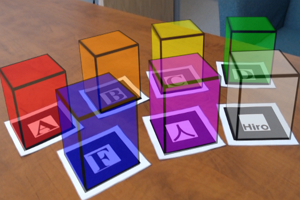
Many Cubes
Colored cubes on a Hiro, Kanji, and letter markers.
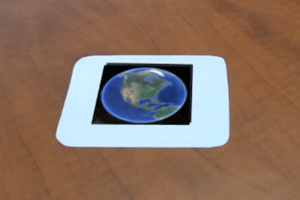
Image Texture
An image is positioned to cover a Hiro marker.
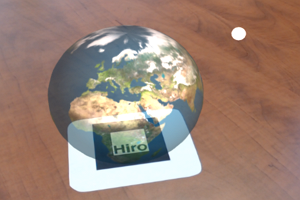
Simple animation
A rotating globe positioned above a Hiro marker.
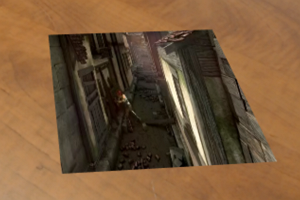
Video Texture
A video over a Hiro marker.
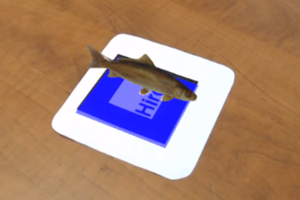
3D Models
OBJ and MTL files displayed on a Hiro marker.
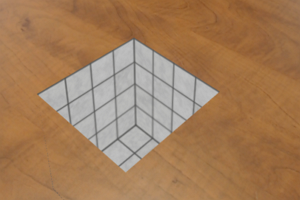
Hole in the Floor
Uses a 'cloaked' box to mask the hidden parts of the hole.
Hole in the Floor (Plane)
Uses a 'cloaked' plane with a window in it to view the visible parts of the interior of the hole.
Keyboard control
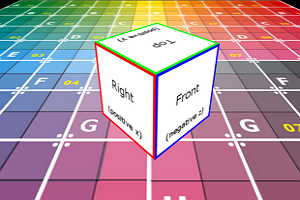
Object Movement
Move a cube around the screen with the keyboard.
W/A/S/D -- move Forward/Left/Backward/Right (standard),
Q/E -- rotate Left/Right,
R/F -- move Up/Down ,
T/G -- tilt Up/Down
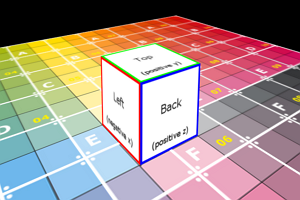
Keyboard-Based Camera Movement
Move a camera around the screen with the keyboard.
Uses same controls as Object Movement example.
Creating a portal
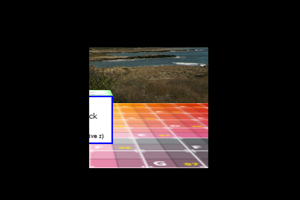
Stencil Test
Using a stencil to reveal portal contents. Camera moves using same controls as Object Movement example.
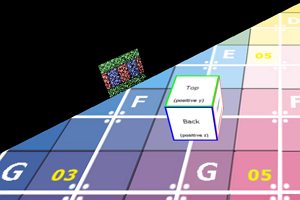
Clipping Test
Clipping plane to limit the volume of the scene that is rendered through the portal.
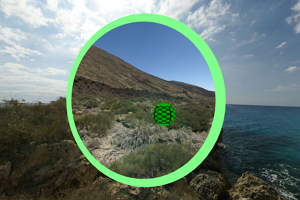
Portal View
A "portal to another world" effect. Portal visible through both sides.
Camera moves using same controls as Object Movement example; also, press 1, 2, or 3 to see the view from different cameras.
Uses stencil and clipping examples above
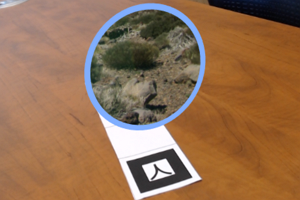
Portal View (AR Version)
An augmented reality version of the "portal to another world" effect. Portal renders above a Hiro marker.
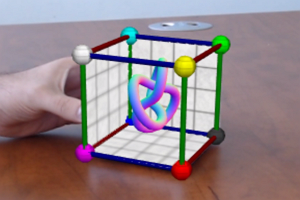
Magic Cube Effect
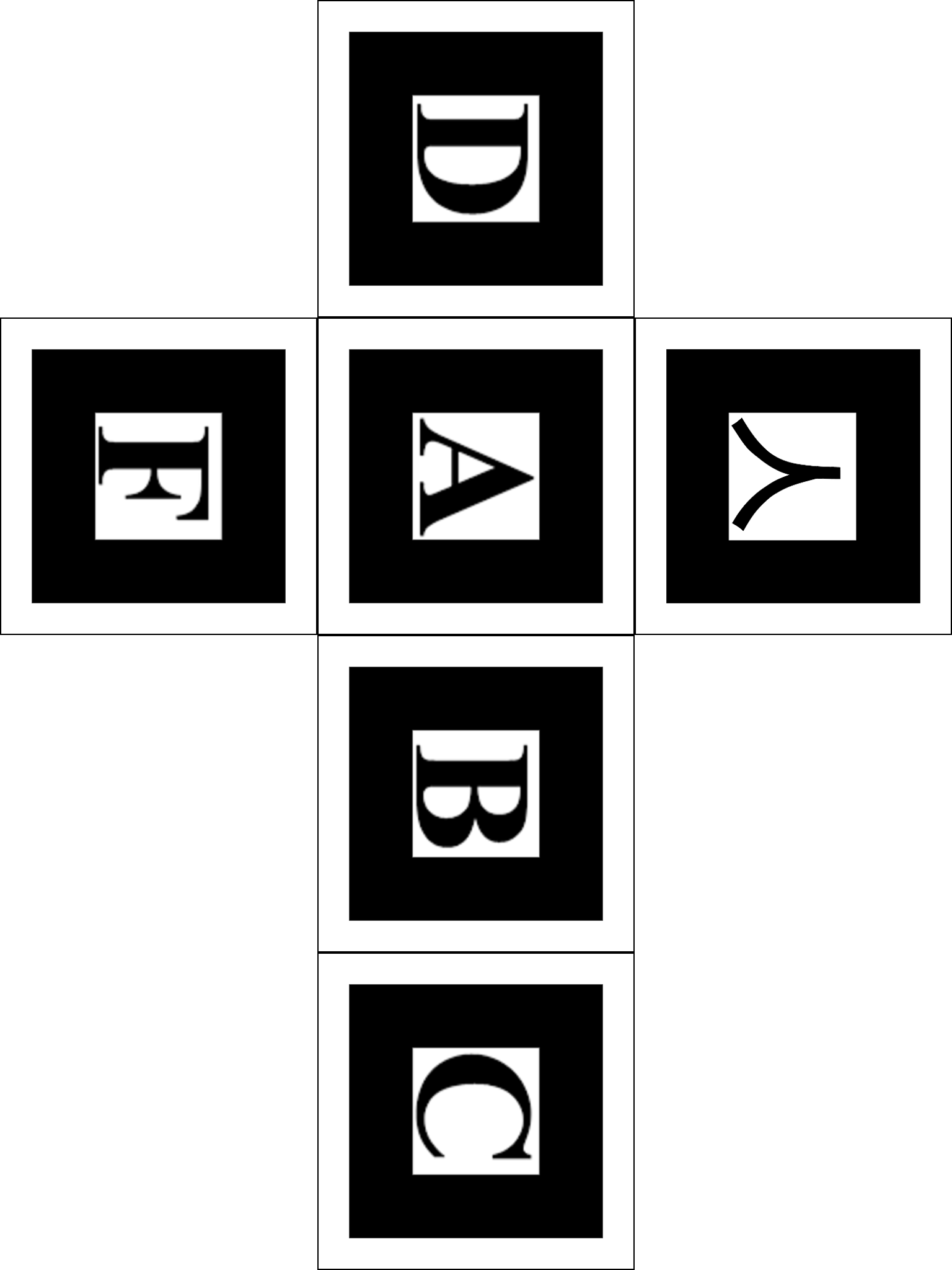
Creates a "magic cube effect" that overlays a cube covered with six AR markers in this pattern.
Globe with Multiple Markers
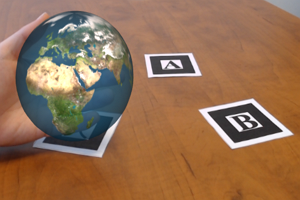
Similar to the Rotating Globe example: places a globe over a Kanji marker. If Kanji marker is blocked, uses other markers (letter A and letter B) to position the globe.
Refraction
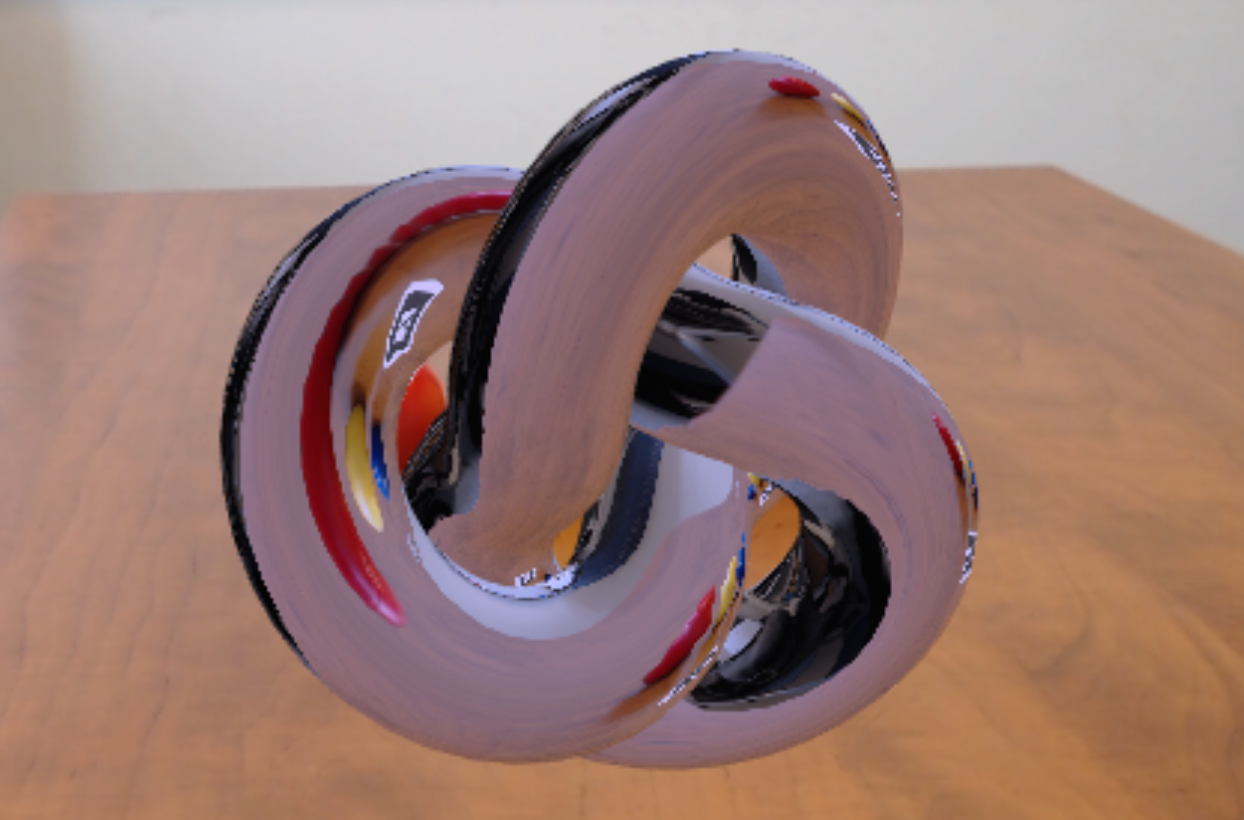
Creates a rotating torus knot above a Kanji marker. The surface of the knot refracts the scene behind it.
Shadow
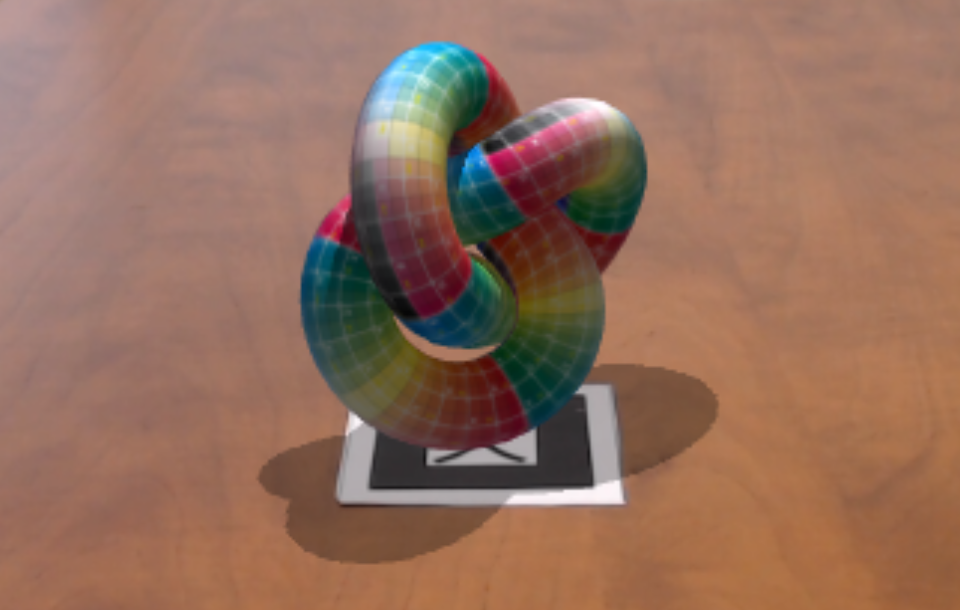
Creates a rotating torus knot above a Kanji marker. The knot casts a shadow onto the plane containing the marker.
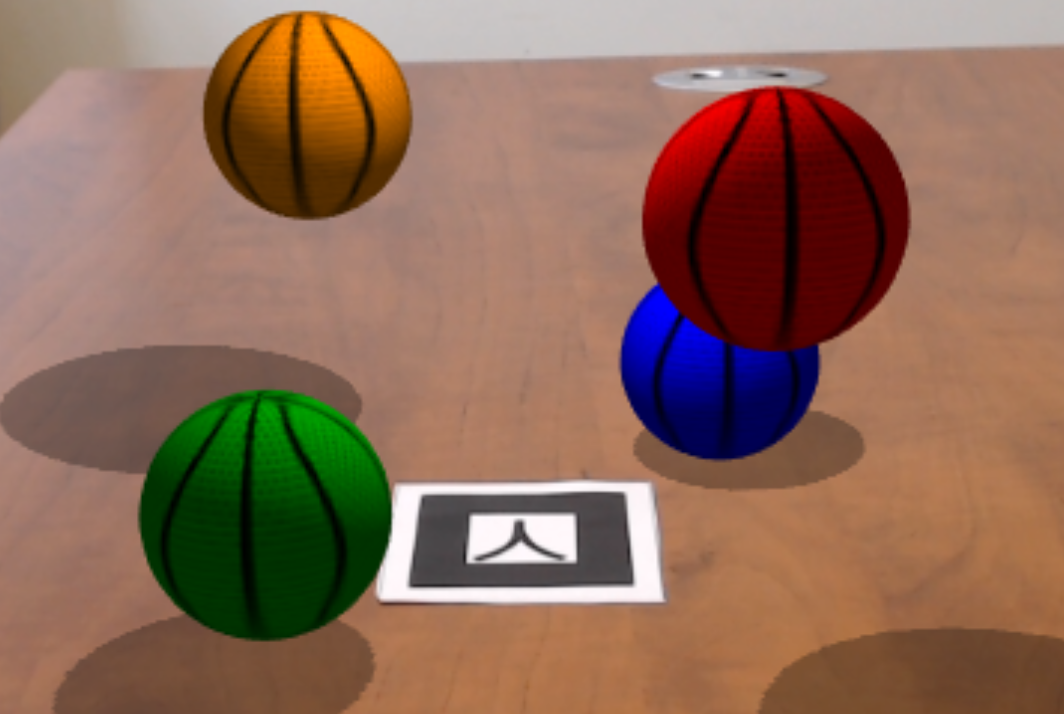
Shadow Balls
Creates four colored bouncing basketballs around a Kanji marker. The balls cast shadows onto the plane containing the marker.